
Most AEM migrations that run over budget or over schedule share a common problem: the planning decisions that should have happened before the build started were skipped or rushed.
For B2B organizations considering a move to Adobe Experience Manager, the platform itself is rarely the issue. AEM is a proven, enterprise-grade system. What determines whether a migration succeeds is how well the organization defines its content strategy, governance model, and technical requirements before a single environment gets stood up.
This guide covers what that planning actually looks like, what the real costs involve, and how to set your team up to get full value from the platform after go-live.
What a Successful AEM Migration Actually Requires
1. Confirm AEM Is the Right Platform Before You Plan the Migration
AEM tends to deliver the strongest return for organizations already embedded in the Adobe ecosystem. If your team relies on Adobe Analytics, Adobe Target, or Marketo for day-to-day marketing operations, AEM fits naturally into that infrastructure. The integrations are tighter, the data flows more cleanly, and the platform value compounds across tools.
If your organization is not using other Adobe products and is primarily looking for a capable CMS, the cost-benefit analysis looks different. AEM licensing alone runs $250,000 to $500,000 per year for a typical mid-market enterprise deployment. Implementation and build costs for a B2B website generally add another $500,000 to $800,000 on top of that. Those are the right numbers to have in front of leadership before a migration decision is finalized.
The question worth asking before planning begins is not whether AEM is a good platform. It is. The question is whether it fits your organization’s three to five year digital and MarTech strategy, your team’s capacity to operate it, and your budget for year-one and ongoing costs.
If you are still weighing AEM against WordPress or another CMS, start with how AEM and WordPress compare for enterprise CMS selection before moving into migration planning.
2. Define Your Content Strategy and Governance Model Before the Build
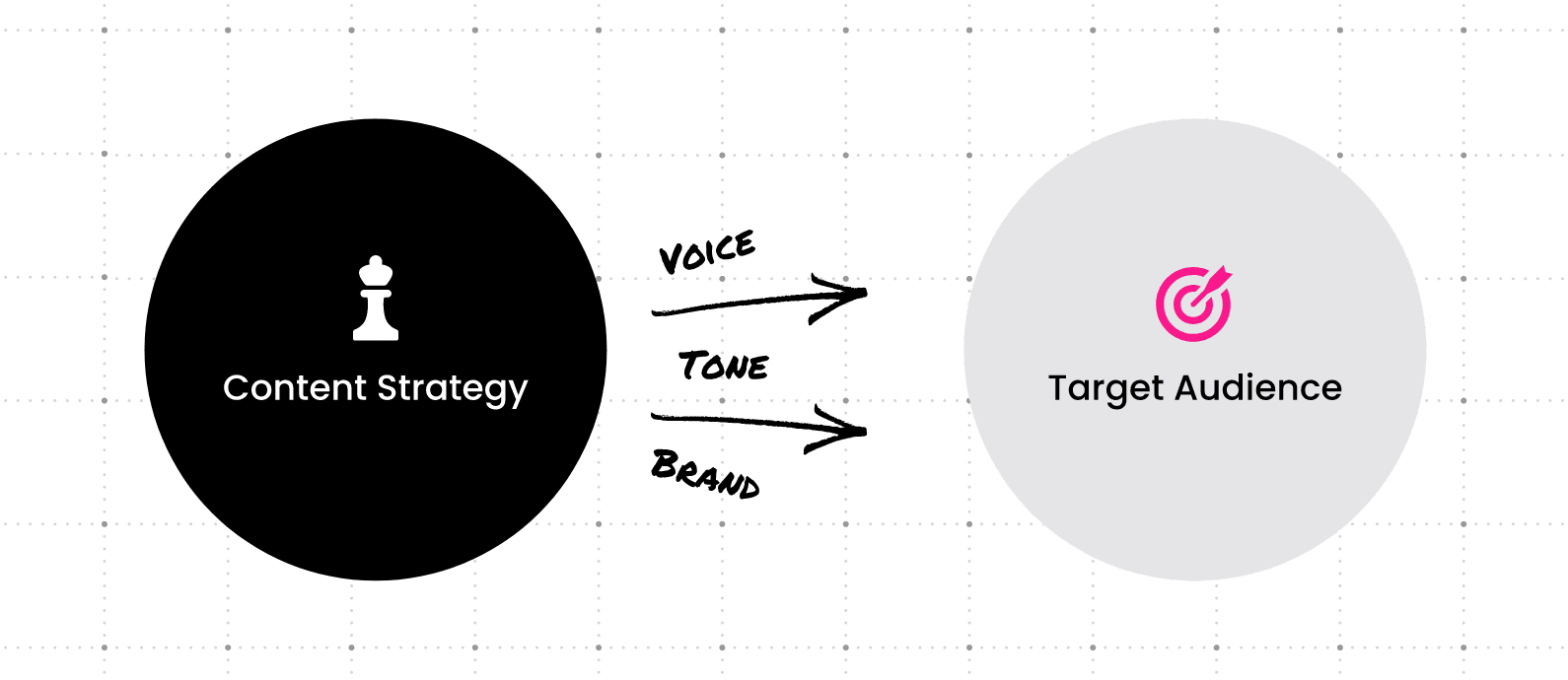
A migration is not just a technical move. It is an opportunity to fix how your team creates, approves, and publishes content. Organizations that treat migration as a straight port of existing content tend to carry over the same inefficiencies they were trying to escape.
Before the build begins, define:
- What content moves: Conduct an audit to identify what transfers as-is, what needs to be rewritten or consolidated, and what gets retired. Reducing content volume before migration lowers complexity and cost.
- Who owns what: Establish clear roles for content creation, review, and publishing. AEM supports sophisticated workflow and approval models, but those models need to be designed before they can be built.
- How multi-site or multi-region content is managed: If your organization operates multiple brands, regions, or business units, the governance decisions made here directly shape the site architecture decisions in the next phase.
One other planning workstream often underestimated: team training. AEM as a Cloud Service, the current delivery model, changes the authoring experience compared to older on-premise versions of the platform. Budget time for onboarding your content team, not just your developers.
For a deeper look at what content strategy work involves before a platform migration, our content strategy workshops walk through the process we use with B2B clients.
3. Plan Your Site Architecture for AEM as a Cloud Service
Most new AEM implementations today run on AEM as a Cloud Service (AEMaaCS), Adobe’s current cloud-native delivery model. Unlike older on-premise or Adobe Managed Services deployments, AEMaaCS handles infrastructure, security updates, and scaling automatically. Your team focuses on building and publishing content rather than managing server configurations.
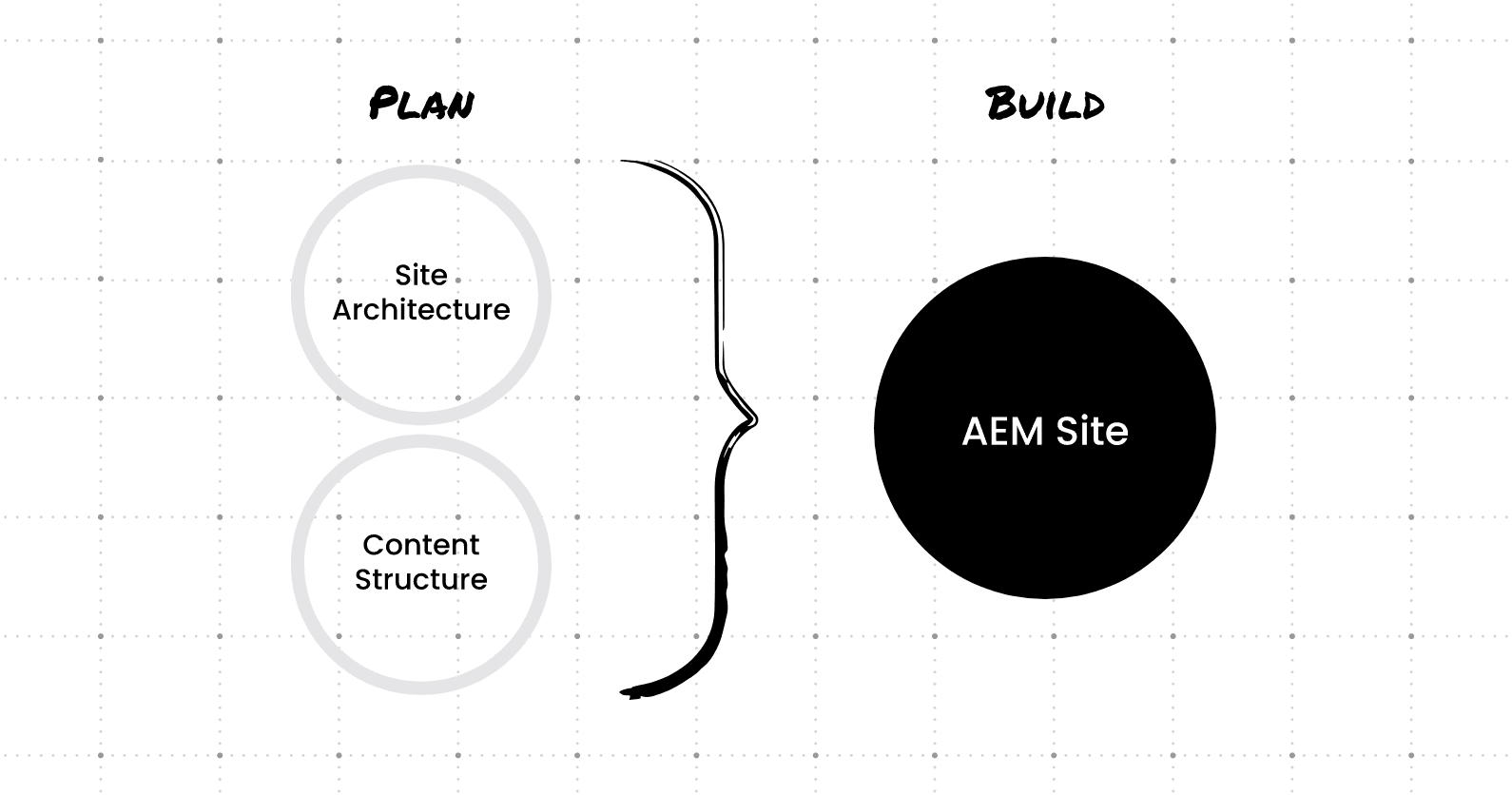
The architecture planning work that happens before the build covers:
- Information architecture: How pages, content types, and navigation are structured across the site
- Content modeling: Defining templates, components, and content types so the system is built for reuse, not one-off publishing
- Multi-site model: For organizations with multiple brands or regional sites, how the shared component library and site structure are organized
One of the core advantages of the Adobe Experience Cloud suite is that AEM integrates natively with Adobe’s other marketing and analytics tools. That integration potential is worth mapping during architecture planning, not after launch.
Clear Digital works with B2B organizations to plan site architecture and content structure before any AEM environment gets built. Getting this phase right reduces rework and sets up a faster path from build to launch.
4. Plan for a Phased Migration, Not a Big-Bang Cutover
One of the most common risks in a large AEM migration is trying to move everything at once. A phased approach reduces that risk and gives teams time to validate the new environment before full cutover.
Phasing can be structured by region, business unit, content type, or site section, depending on how your organization operates. Each phase gets its own testing cycle and acceptance criteria before the next phase begins.
A few migration practices that consistently reduce problems at launch:
- Delta migration: A final pass to capture content changes made on the legacy system during the project. Without this, content published during the migration window can get lost.
- Content freeze: A defined cutoff before go-live where the legacy site stops receiving new content. This prevents divergence between old and new environments in the final stretch.
- SEO continuity: 301 redirects, canonical tags, and structured data validation need to be part of the testing checklist, not an afterthought. A poorly managed migration can affect search rankings. Plan for it before launch, not after.
Clear Digital has managed AEM migrations for enterprise B2B organizations across technology, healthcare, and financial services. If you want a second opinion on your migration plan before the build starts, let’s talk.
5. Build for Reuse and Plan for Post-Launch Optimization
The templates and components built during an AEM implementation are not just launch assets. They are the foundation your team works from every time a new page, campaign, or content update goes live. Organizations that invest in a well-structured component library at build time spend significantly less time on one-off development requests afterward.
AEM also connects with a broad range of third-party systems. Beyond the native Adobe ecosystem integrations, AEM Connectors allow your development team to link AEM with external tools across CRM, translation, analytics, and commerce. Mapping those integrations during the build phase prevents retrofitting later.
Post-launch is its own phase, not a wind-down. Plan for a defined optimization period after go-live to address authoring friction, performance issues, and component gaps your team identifies in real publishing conditions. The organizations that get the most from AEM are the ones that treat the launch as the starting line, not the finish line.
Working With an AEM Implementation Partner
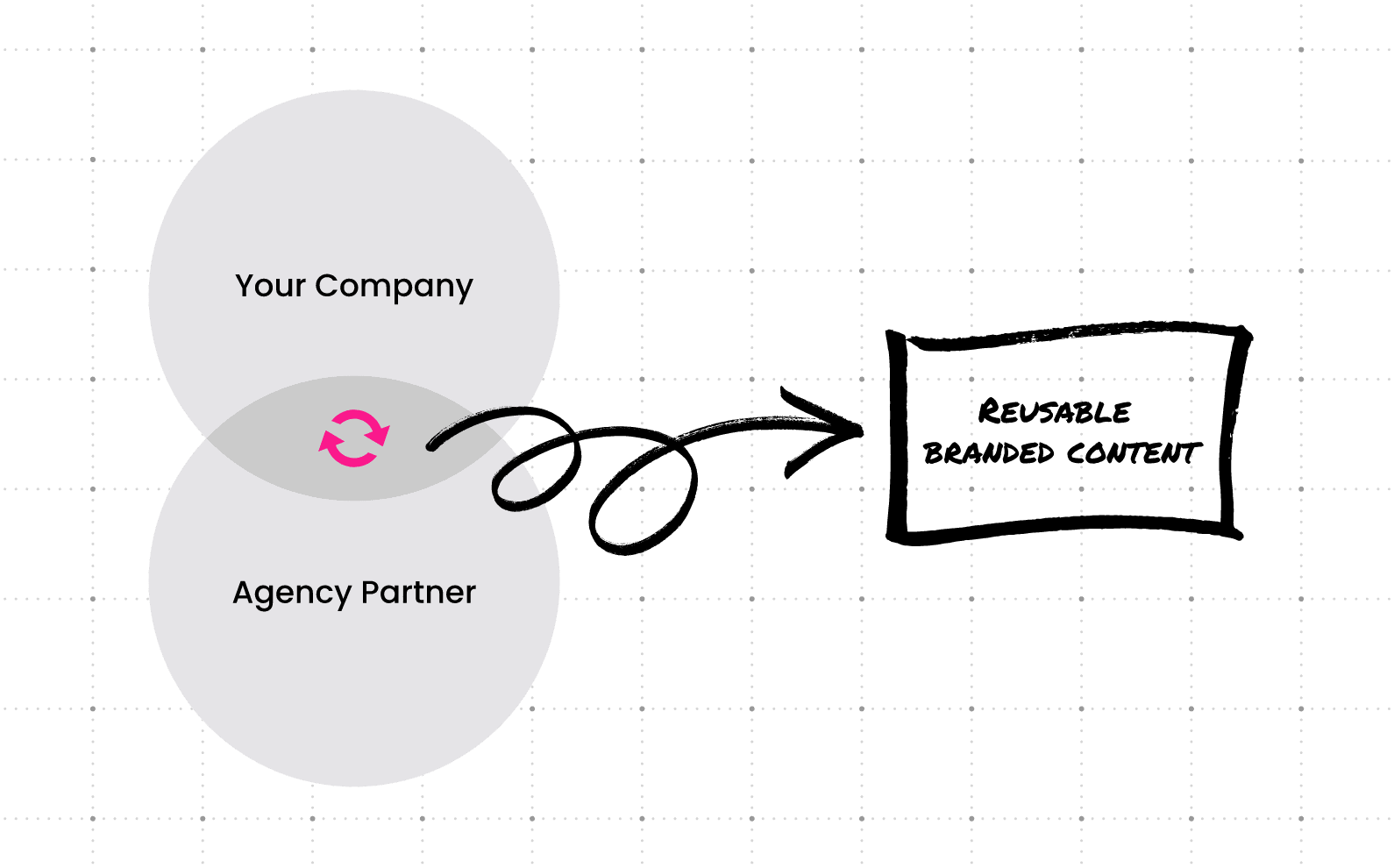
AEM is a capable platform, but it is not a simple one. The organizations that get the most from it tend to have a partner with real implementation experience handling the architecture, build, and migration work alongside them.
Clear Digital has worked with enterprise B2B organizations on AEM implementations, migrations, and ongoing platform support. We are an Adobe partner with experience across the full project lifecycle, from platform assessment and architecture planning through build, migration, and post-launch optimization.
If you are evaluating AEM, planning a migration, or assessing whether your current implementation is performing the way it should, let’s talk. We can assess your situation and give you a straightforward view of what the work actually involves.
Frequently Asked Questions: AEM Migration for B2B Organizations
How long does an AEM migration typically take?
Timeline varies based on site complexity, content volume, and how many integrations need to be built. A straightforward mid-market B2B site typically runs four to eight months from discovery through launch. Larger enterprise migrations with multiple sites, regions, or significant content volumes can run twelve months or longer. Phased approaches help manage timeline risk by validating each stage before moving to the next.
What does AEM cost for a mid-market B2B company?
For a typical mid-market enterprise deployment, AEM licensing (now delivered as AEM as a Cloud Service) runs approximately $250,000 to $500,000 per year. Implementation and build costs for a B2B website, including design, development, content migration, and integration work, generally add $500,000 to $800,000 for initial deployment. Ongoing support and optimization costs vary by team and scope. Total cost of ownership over three years is the right frame for evaluating the investment.
What is AEM as a Cloud Service and how is it different from on-premise AEM?
AEM as a Cloud Service (AEMaaCS) is Adobe’s current cloud-native delivery model for Experience Manager. Unlike older on-premise or Adobe Managed Services deployments, AEMaaCS handles infrastructure management, security patching, and auto-scaling automatically. Organizations running legacy AEM versions should factor an upgrade to AEMaaCS into their migration roadmap, as Adobe is moving all customers to the cloud service model over time.
Do we need to be using other Adobe products to get value from AEM?
Not exclusively, but the return on investment improves significantly when AEM is part of a broader Adobe ecosystem. The native integrations between AEM and Adobe Analytics, Adobe Target, and Marketo create compounding value across content, personalization, and campaign measurement. If your organization is not using and does not plan to adopt other Adobe tools, it is worth evaluating whether a different CMS platform would meet your needs at lower cost and complexity.
When does it make sense to migrate off AEM to a different platform?
The most common trigger is a combination of rising licensing costs and limited use of the broader Adobe ecosystem. If an organization is paying for AEM but not leveraging the integrated DXP capabilities that justify the cost, the platform may be over-engineered for its actual use case. Other triggers include the need for a more flexible headless architecture, significant team capacity constraints, or a strategic shift away from the Adobe stack. If you are evaluating a platform change, how AEM and WordPress compare for enterprise CMS selection is a useful starting point.
Get our latest insights in your inbox

8 Criteria for Choosing a B2B Web Redesign Agency
By Clear Digital on September 15, 2026
Read more
What a B2B Website Redesign Requires From Your Team
By Clear Digital on September 11, 2026
Read more
How to Justify a Website Redesign to Your CEO, CFO, or Board
By Clear Digital on September 11, 2026
Read more